

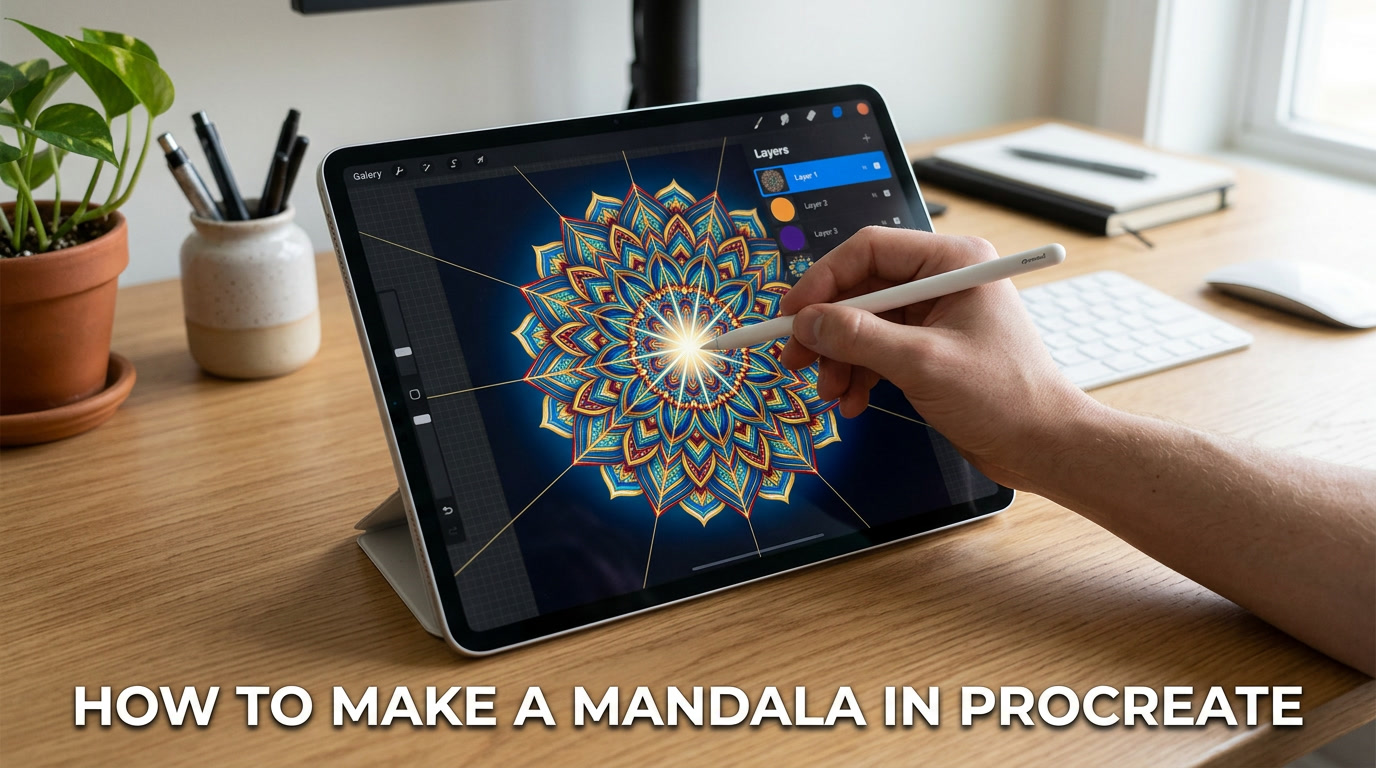
If you want to learn how to make a mandala in procreate, the good news is that it is easier than many beginners think. Procreate has built in tools like the Drawing Guide and Symmetry Assist that help you create clean, balanced shapes without drawing every part by hand. You start with a canvas, turn on symmetry, build simple patterns from the center, then add layers, detail, and color.
You do not need to be a professional artist to make beautiful mandala art. With practice, patience, and the right steps, anyone using an iPad and Apple Pencil can create eye catching digital mandala designs.
Why Mandala Art Is Perfect for Digital Beginners
Mandala art is loved for a reason. It looks detailed and impressive, but the process can be simple when broken into steps. A mandala uses repeated shapes around a center point. Because the design repeats, you do not need to invent something new in every section.
That makes mandala drawing in Procreate a great choice for beginners. You can start with one petal, one line, or one dot, then let the app repeat it around the page.
Many new artists feel nervous about drawing freehand. They worry their lines will look uneven or messy. Procreating helps solve that problem. Its symmetry tool can mirror your strokes and keep patterns balanced.
Mandala art also teaches useful drawing skills:
- Hand control
- Shape building
- Pattern design
- Layer use
- Color choices
- Patience and focus
Another reason beginners enjoy mandalas is the relaxing process. Repeating shapes can feel calm and satisfying. Many people use it as a creative break after a busy day.
You do not need expensive supplies, paper, or paints. With one device, you can test ideas, undo mistakes, and save every version of your art.
That is why so many people start their digital art journey with mandalas.
What You Need Before You Start in Procreate
Before you begin, make sure you have the right tools. You do not need a full studio. Just a few basics can help you start strong.
iPad
Procreate works on iPad. A larger screen can feel easier, but many sizes work well.
Apple Pencil
An Apple Pencil gives better control than using a finger. It helps with smooth lines and small details.
Procreate App
Install the Procreate App and make sure it is updated. Newer versions often include helpful improvements.
Good Canvas Setup
Choose a canvas size before drawing. A square canvas is popular for mandala work because the design grows evenly in all directions.
Example sizes:
- 3000 x 3000 px
- 4000 x 4000 px
Higher resolution gives cleaner results if you want to print later.
Simple Brushes
You do not need fancy brush packs at first. Start with clean brushes already inside the brush library.
Good beginner options:
- Monoline
- Technical Pen
- Studio Pen
Quiet Mindset
You do not need to rush. Mandalas grow step by step. Give yourself time to learn.
At Books_WD, we often remind beginners that strong basics matter more than advanced tools.
How to Make a Mandala in Procreate Step by Step
The clear answer is simple. To make a mandala in Procreate, create a canvas, turn on symmetry, draw one repeating shape from the center, build more rings outward, then add detail and color.
Here is the easy process.
Step 1: Open a New Canvas
Tap the plus sign and choose your size.
Step 2: Turn On Drawing Guide
Go to Actions, Canvas, then enable Drawing Guide.
Step 3: Edit Drawing Guide
Tap Edit Drawing Guide and choose Symmetry.
Step 4: Choose Radial Symmetry
Radial symmetry creates repeating sections around the center. This is perfect for mandala patterns.
Step 5: Start in the Center
Draw a small shape like a petal, circle, or line.
Step 6: Build New Rings
Move outward and add new repeated shapes around the first ring.
Step 7: Use Layers
Keep line work, color, and background on separate layers.
Step 8: Add Color
Use a color palette that fits your style.
Step 9: Clean Up
Erase rough marks and adjust spacing if needed.
Step 10: Save Your Art
Export as PNG or JPEG.
That is the full process. Once you learn it once, every new mandala becomes easier.
How to Set Up the Procreate Symmetry Tool Correctly
The symmetry tool is one of the best parts of Procreate for this type of art. It saves time and helps keep your design balanced.
Open the Drawing Guide
Tap Actions, then Canvas, then switch on Drawing Guide.
Enter Edit Mode
Tap Edit Drawing Guide.
Choose Symmetry
At the bottom, choose Symmetry.
Pick the Best Option
You may see several choices. For mandalas, radial symmetry Procreate settings are often the best fit. They repeat your drawing around a center point.
Check the Center Point
Make sure the guide is centered. This is where your design grows from.
Turn On Drawing Assist
After creating a new layer, tap the layer and enable Drawing Assist. This tells the layer to follow the symmetry guide.
Test First
Draw one small line. If it repeats around the canvas, your setup works.
Why It Matters
Good setup prevents common beginner problems:
- Uneven sections
- Off center designs
- Wasted time fixing shapes
- Messy spacing
Spend one extra minute setting up the guide. It can save twenty minutes later.
Building Your First Mandala with Simple Shapes
Many beginners think mandalas need complex art skills. They do not. Great designs often begin with simple shapes.
Start with these basic forms:
- Circles
- Petals
- Lines
- Dots
- Arches
- Leaves
- Triangles
Begin in the Center
Create a small flower shape or circle in the middle.
Add the Next Ring
Around the center, draw a second row of shapes. Try petals or small arches.
Keep Growing Outward
Each ring can use a new idea. This creates visual interest.
Example:
- Center circle
- Petal ring
- Dot ring
- Leaf ring
- Outer line border
Use Size Changes
Some shapes can be large, others small. This makes the design feel alive.
Repeat with Intention
Because mandalas use repetition, clean shapes matter more than complicated shapes.
Keep It Balanced
If one ring feels crowded, make the next ring simpler.
Beginner Tip
Stop before the canvas feels too full. White space can make a design look stronger.
Your first mandala does not need perfection. It only needs progress.
Using Layers to Improve Your Mandala Design
Layers are one of the biggest reasons digital art feels easier than paper art. They let you separate parts of your design and edit safely.
Why Layers Help
If you make a mistake on one layer, you do not ruin everything else.
Smart Layer Setup
Try this simple structure:
- Layer 1: Sketch
- Layer 2: Clean line art mandala
- Layer 3: Color
- Layer 4: Background
- Layer 5: Highlights
Lower Opacity for Sketching
Draw a rough sketch first. Then lower the opacity and trace clean lines above it.
Duplicate Layers
Want to test a new style? Duplicate the layer first.
Rename Layers
Naming layers saves time when the project grows.
Example:
- Center lines
- Outer petals
- Gold color
- Shadow layer
Move Elements Safely
You can transform, resize, or adjust parts more easily when they are separated.
Use Clipping Masks
This helps place color inside shapes without painting outside the lines.
Beginner Tip
Do not create too many random layers. Keep them organized.
Once you learn layers, your workflow becomes faster, cleaner, and less stressful.
Best Brushes and Line Tips for Smooth Mandala Art
Brush choice changes the look of your design. A rough brush creates one style. A clean brush creates another.
Best Beginner Brushes
Inside the brush library, try:
- Monoline
- Technical Pen
- Studio Pen
These brushes help with clear edges and smooth strokes.
Adjust Brush Settings
You can change:
- Size
- Opacity
- StreamLine or Stabilization
Stabilization helps smooth shaky lines.
Keep Stroke Weight Consistent
Stroke weight means line thickness. If lines change too much, the design may feel uneven.
Zoom In for Detail
Small shapes are easier when zoomed in.
Use QuickShape
Draw a rough circle or line, then hold the pencil still. Procreate can clean the shape automatically.
Practice One Stroke
Before starting the final art, make test lines on a spare layer.
Less Pressure, Better Control
Pressing too hard can create wobbly lines. Relax your hand.
Try Different Styles
Some artists love thin lines. Others use bold graphic shapes. Test both.
Good tools help, but steady practice matters most.
How to Add Color, Depth, and Style to Your Artwork
Once your line art is ready, color can bring the mandala to life.
Start with a Color Palette
Choose 3 to 5 colors that work well together.
Examples:
- Blue, teal, white
- Pink, gold, cream
- Black, gray, silver
- Orange, red, yellow
Use Color Drop
Drag color into closed shapes to fill them quickly.
Add Contrast
Use light and dark colors together so details stand out.
Add Shading
Place soft darker tones on one side of shapes for depth.
Add Highlights
A lighter edge can make parts feel raised.
Blend Carefully
Too many colors can feel messy. Keep the palette focused.
Try Different Backgrounds
A dark background can make bright lines pop. A soft background can feel calm.
Create Style Variations
One mandala can become many designs:
- Minimal black line art
- Bold bright poster style
- Soft pastel art
- Gold luxury style
- Floral theme
Save Multiple Versions
Duplicate the file and test new colors without losing the original.
Color is where your personality can shine.
Common Mistakes Beginners Make and How to Fix Them
Every artist makes mistakes. They are part of learning.
Mistake 1: Wrong Canvas Size
Small canvases can look blurry later.
Fix: Start larger with good resolution.
Mistake 2: Skipping Symmetry Setup
Without proper guides, shapes may look uneven.
Fix: Check symmetry before drawing.
Mistake 3: Too Much Detail Too Soon
Crowding the design early can make it confusing.
Fix: Build simple rings first.
Mistake 4: Messy Layers
Random layers slow you down.
Fix: Name and group layers.
Mistake 5: Inconsistent Lines
Shaky lines can distract from the pattern.
Fix: Use stabilization and slow strokes.
Mistake 6: Too Many Colors
Too much color can feel chaotic.
Fix: Use a smaller palette.
Mistake 7: Quitting Too Early
Many beginners stop after one attempt.
Fix: Make five mandalas, not one.
Mistake 8: Comparing Yourself to Experts
This steals confidence.
Fix: Compare your work only to your last design.
Growth comes from repetition, not perfection.
Final Tips to Keep Practicing and Create Better Mandalas
The best way to improve is simple. Keep creating.
Try making one small mandala each week. You do not need a huge masterpiece every time. Short practice sessions build skill faster than rare long sessions.
Save your old work. Looking back helps you see progress.
Study shapes around you:
- Flowers
- Tiles
- Leaves
- Fabrics
- Architecture
These can inspire new mandala patterns.
Challenge yourself with new goals:
- Better circles
- Cleaner petals
- Stronger color palettes
- Faster workflow
- More original ideas
Share your art with friends or online communities if that feels fun. Feedback can help.
Even a quiet town can inspire beautiful digital creativity when you take time to observe patterns around you.
Books_WD believes every skilled artist started as a beginner who kept going.
If you want better mandalas, open Procreate today, draw one shape, then build from there. Small practice today can become amazing artwork tomorrow.
